
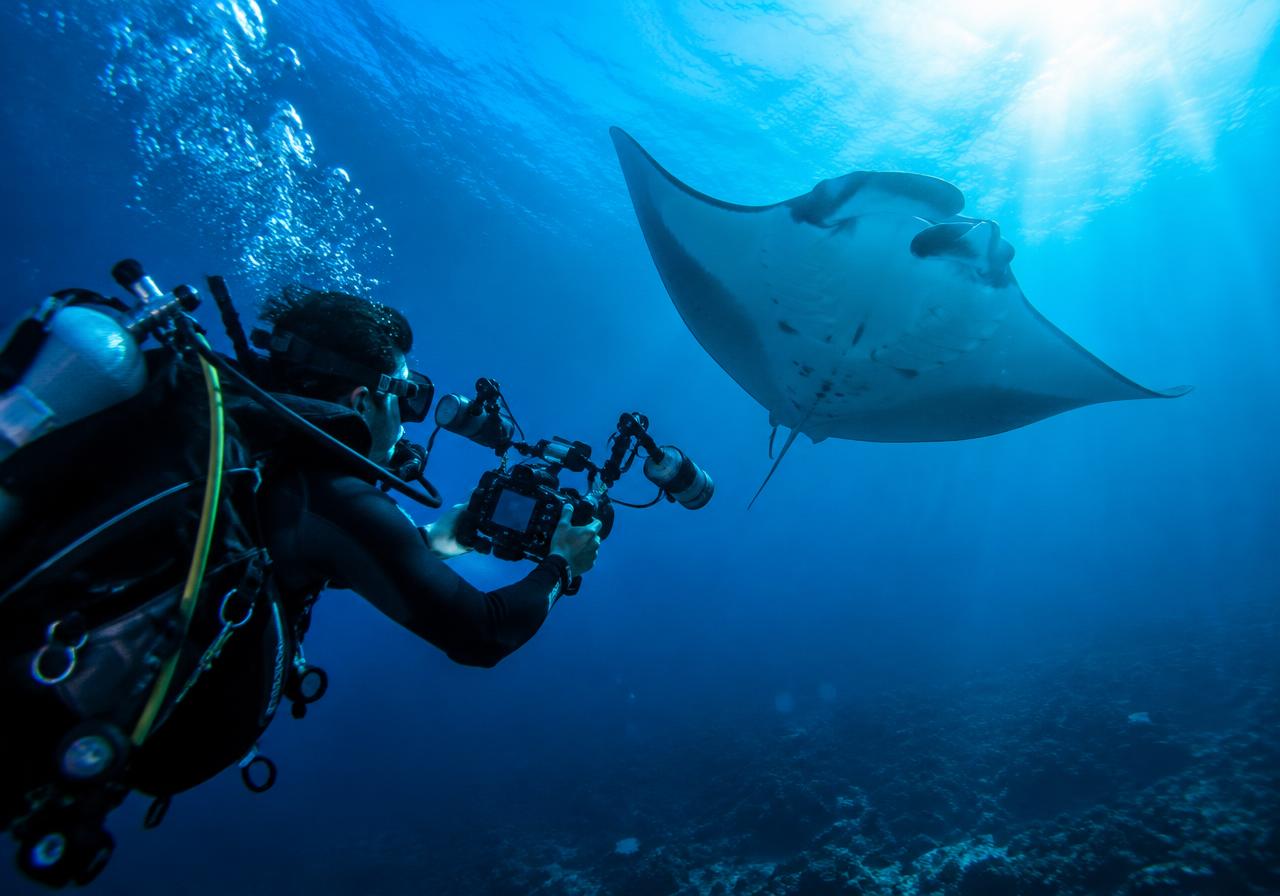
 AI-generated image
KAI – Kraken Artificial Intelligence
KAI (Kraken Artificial Intelligence): your assistant that thinks ahead – for divers and dive centers.
KAI (Kraken Artificial Intelligence) is built right into BuddySystem PRO and DiveBuddy PRO. He writes and translates texts, finds everything in your app, identifies marine life in photos, remembers your preferences, and handles operational tasks in your dive center as KAI Business – always strictly within your permissions, and changes happen only after your confirmation.
Write with KAI – in your voice
Whether it's a post, comment, quote, or trip description: tap "Write with KAI" and KAI will draft the text for you. You can also upload an image and have KAI write a text based on it. You choose the tone yourself, from casual to professional. If you don't like the result, regenerate it or let KAI refine that exact text.
What you can do
- ✓Posts, comments, ads, and messages
- ✓Dive sites, dives, trips, and schedules
- ✓Quotes, groups, reviews, profiles, lives, and articles
- ✓Generate text directly from an image
- ✓Styles: Standard, Friendly, Casual, Laid-back, Cheerful, Humorous, Enthusiastic, Professional, Factual
- ✓Regenerate or refine existing text
 AI-generated image
One text, many languages
Your guests come from all over the world. KAI translates your texts into the desired language with a single tap so that everyone understands you – whether it's a course description, post, or chat message.
What you can do
- ✓Translate texts into other languages
- ✓Translation directly in the editor
- ✓Translate chat messages
- ✓Perfect for international guests
AI-generated imageAsk KAI – he finds it in your app
Instead of clicking through menus, just ask. KAI searches your app and shows you relevant hits that you can open right away.
What you can do
- ✓Certifications, equipment, and dives
- ✓Medical fitness, bookings, and trips
- ✓Buddies, posts, dates, and articles
- ✓Dive sites, locations, ads, and businesses
- ✓Quiz duels
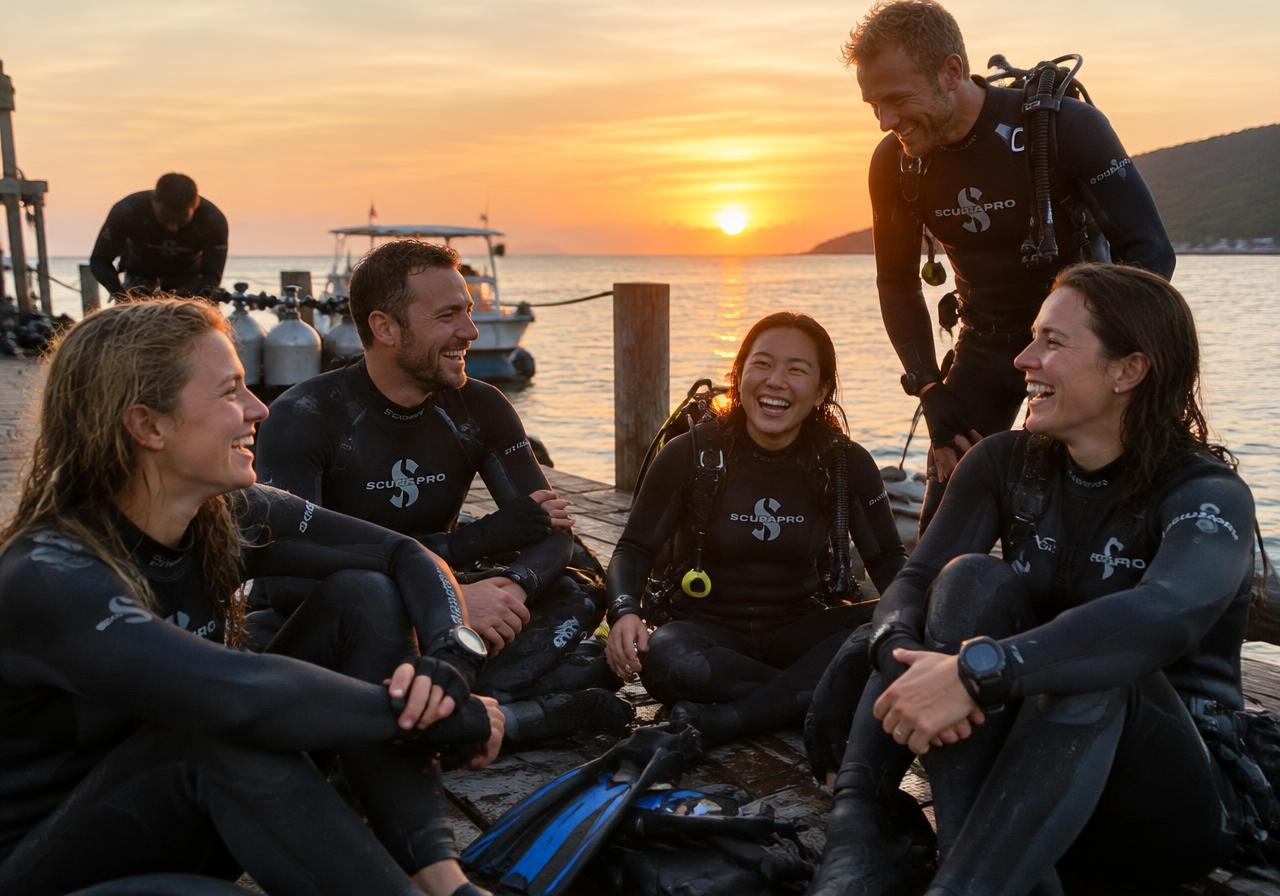 AI-generated image
 AI-generated image
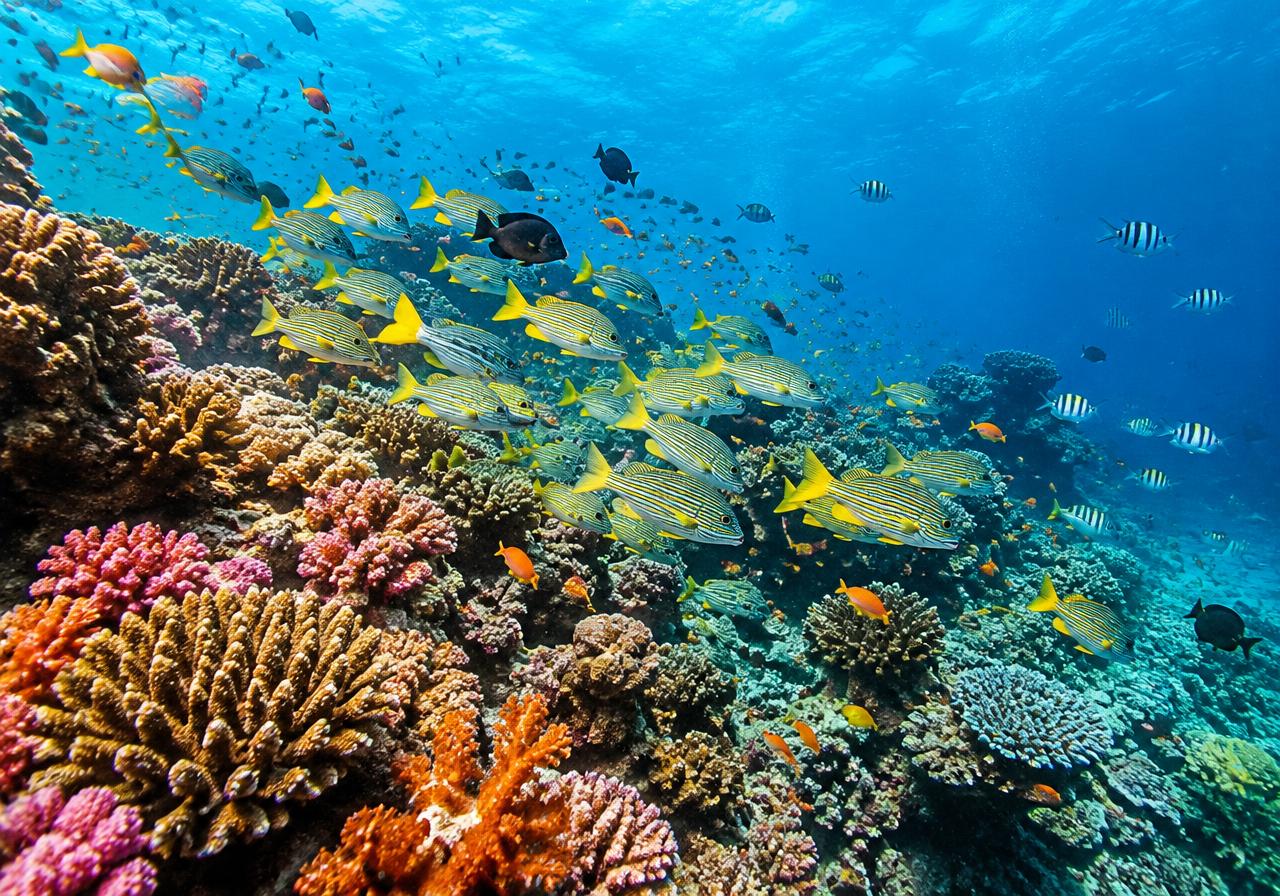
Which fish is that? KAI knows.
Upload an underwater photo and KAI identifies the marine life in it. Perfect for logging your dives or adding the correct names to your posts.
What you can do
- ✓Identify marine life in photos
- ✓Directly while composing a post
- ✓Helps with documenting your dives
KAI shows you the way
Not sure where a feature is hiding? KAI takes you right there – from the Nitrox calculator to the live stream. This way, you will find your way around instantly, even in an app with extensive capabilities.
What you can do
- ✓Logbook: import, export, formats, certifications
- ✓Tools: Nitrox, EAD, gas analysis, gas blending, gas density, SAC rate, lift bag, weight check, wet notes
- ✓Media: photo and video correction, Clip-Studio
- ✓Community: groups, events, chats, Dive Rooms, DiveStory, go live
- ✓Articles, shopping cart, ads, and trips
- ✓Prices & limits, settings, and help
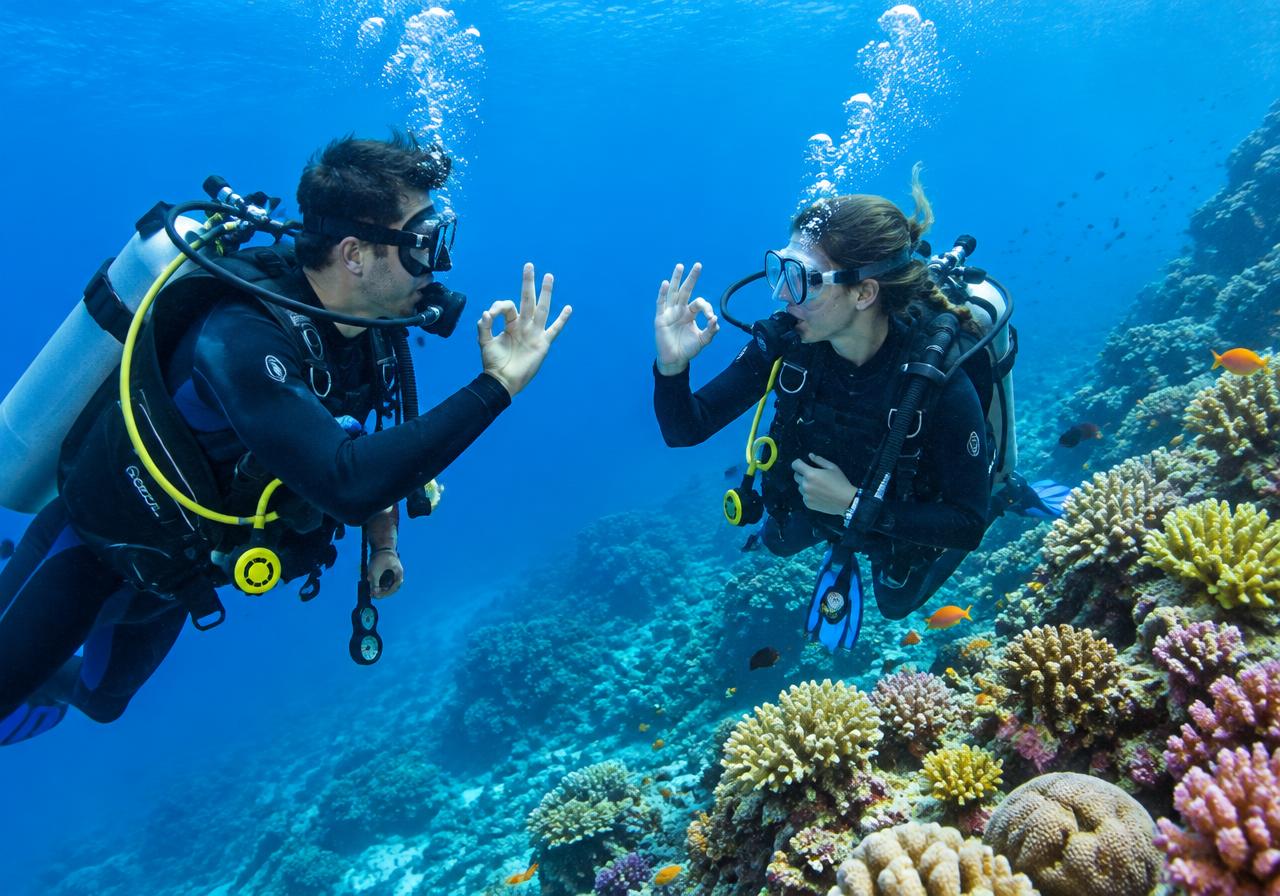 AI-generated image
KAI remembers what matters to you
Tell KAI what you like, and he will factor it into his suggestions. You can see everything KAI remembers at any time and delete items individually or altogether. You can turn proactive tips on and off.
What you can do
- ✓Home airport and travel budget
- ✓Preferred travel style and favorite regions
- ✓Diving interests and favorite marine life
- ✓Equipment preferences
- ✓Delete individually or entirely
- ✓Proactive suggestions
 AI-generated image
KAI Business (Kraken Artificial Intelligence): your personal business assistant
In verified businesses, KAI turns into KAI Business. He knows your business, your role, and your modules, and manages your business center together with you. Simply tell him what you want to get done – as far as your permissions allow, he takes care of the task directly. As an owner, you decide whether a team member uses KAI with full or restricted access.
What you can do
- ✓Knows your business, your role, and your modules
- ✓Handles tasks in the business center
- ✓"Full access" or "Restricted" mode
- ✓Restricted: read, create, edit, publish, communicate
- ✓Restricted never: delete, change permissions, refund, payout, pay, purchase ads
- ✓Always limited to the team member's permissions
 AI-generated imageAI-generated image
Marketing content in one click
KAI turns your offer into finished marketing content: headline, body copy, hashtags, call-to-action, image, and template. You choose the format and tone – and your social post, flyer, or newsletter block is ready.
What you can do
- ✓Formats: Square, Story, Flyer A4 and A5, newsletter block
- ✓Tone: casual, professional, or adventurous
- ✓Headline, text, hashtags, and call-to-action
- ✓Image and template included
- ✓Dedicated quota, viewable in the app
You stay in control
KAI never changes anything without asking. Before executing an action in the app, he asks you: "Execute?" – Deletions always require a separate confirmation. KAI works solely within the permissions you or your team already have, backed by a fair quota per tier.
What you can do
- ✓Every change only upon your confirmation
- ✓Deleting requires separate confirmation
- ✓Strictly within the scope of your permissions
- ✓Quota per tier, viewable in the app
AI-generated imageGet to know KAI.
Register for free and try KAI out right away – as a diver in DiveBuddy PRO or as a business in BuddySystem PRO.