
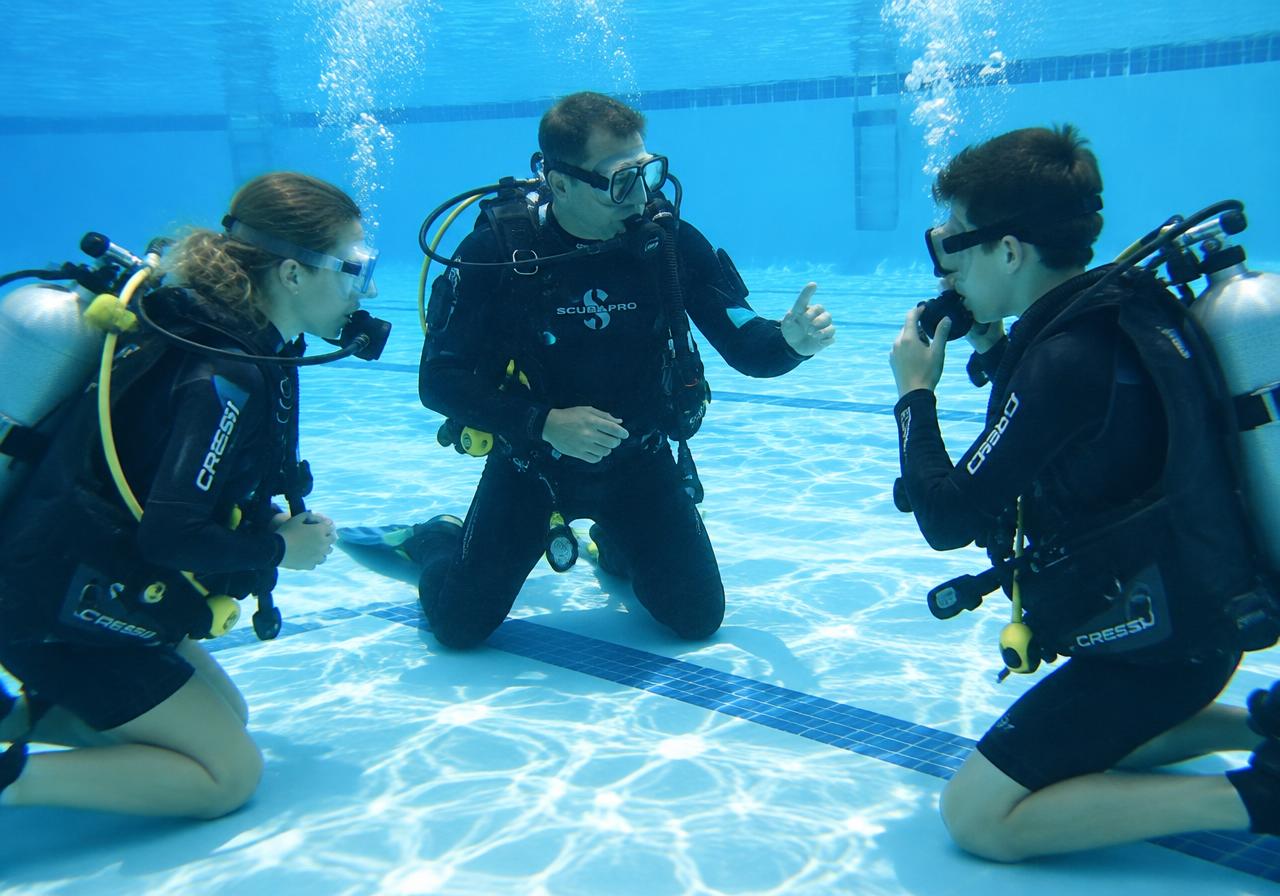
 AI-generated image
Training & Operations
Your Entire Dive Day – Planned in One App
From the first course inquiry to freshly topped-off Nitrox tanks: this is mission control for your dive shop. Check what's lined up over your morning coffee, log student training right at the water's edge, and wrap up your day with clean records — for you and your whole crew.
Highlights at a glance
Centralized student dive records
Every student gets a digital record: courses, skills, medical forms, certifications, and payments. Your whole team works with the exact same data.
02Track progress right by the water
Instructors sign off skills and log progress right at the sea, lake, or pool – directly from their phone, synced instantly.
03Know what's coming every morning
The daily overview shows scheduled courses, dives, participants, shifts, equipment, and gases for the day at a single glance.
04Built for Freelancers too
Freelance instructors and divemasters can list their own guided dives or jump into a dive shop's crew with tailored staff permissions.
05Your Own Travel Agency
Your travel dashboard brings offers, dates, available places, booking files, documents and payment status together. Plan your trips while keeping your divers’ arrangements in view.
06One team, clear permissions
Staff, shifts, locations, and restricted areas: Everyone sees exactly what they need to get their job done.
Your courses — set up once, bookable everywhere
Weekend Open Water, evening Nitrox, Rescue Diver in the fall: set up each course once with photos, descriptions, and pricing, then add as many dates as you like. Open spots update on autopilot — across your website, inside DiveBuddy PRO, and on your calendar.
What you can do
- ✓Courses with descriptions, photos, inclusions, and pricing
- ✓Unlimited dates per course with set student caps
- ✓Available spots and 'sold out' badges update automatically
- ✓Live student rosters for every single session
- ✓Calculate training costs and instructor pay per course
- ✓Publish directly to your website and Explorer in one click
- ✓Let KAI draft your course descriptions whenever you want
AI-generated imageStudent records: every diver, every skill, every sign-off
Pick your briefing skills before splashing in, then sign them off right at the surface — on the dock, at the lake, or poolside. If a student struggles with a drill, schedule the redo right then and there. Upload paperwork at the end of the day and close out the session. Transferring a student? Hand them over seamlessly with your instructor notes.
What you can do
- ✓Digital student dive record for every diver
- ✓Use agency training standards or build custom templates
- ✓Log briefing and debriefing notes on the fly
- ✓Sign off skills and wrap up training sessions
- ✓Schedule skill redos and extra pool sessions
- ✓Upload medicals and certs, verify, approve, or reject
- ✓Transfer students internally or export a clean PDF for other shops
- ✓Training session overview ready for your entire team
AI-generated imageBoat charter Saturday, house reef Sunday, pub night Friday
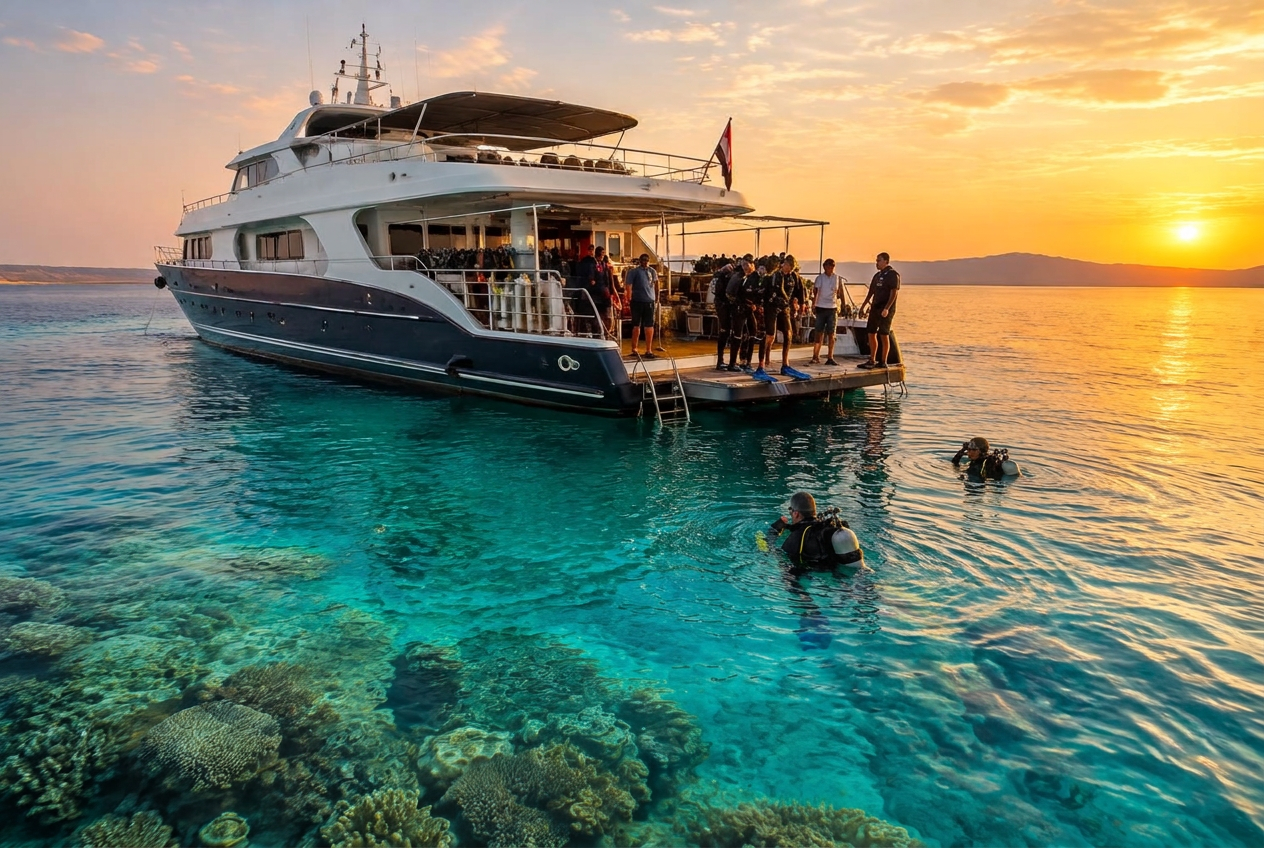
Boat trips, guided dives, social nights, and dive services each get their own dedicated roster — complete with spots, pricing, and dates. Track everything right on your schedule alongside incoming bookings, while your team can filter down to just their assigned gigs.
What you can do
- ✓Dive excursions and boat trips with boat capacity and pricing
- ✓Offer guided dives for certified divers
- ✓Promote club nights, BBQs, and community meetups
- ✓Sell services like tank fills or regulator bench checks
- ✓One master calendar for all trips, courses, and bookings
- ✓Staff can toggle to view only their own assigned shifts
- ✓Choose where each trip shows up — like live on Explorer
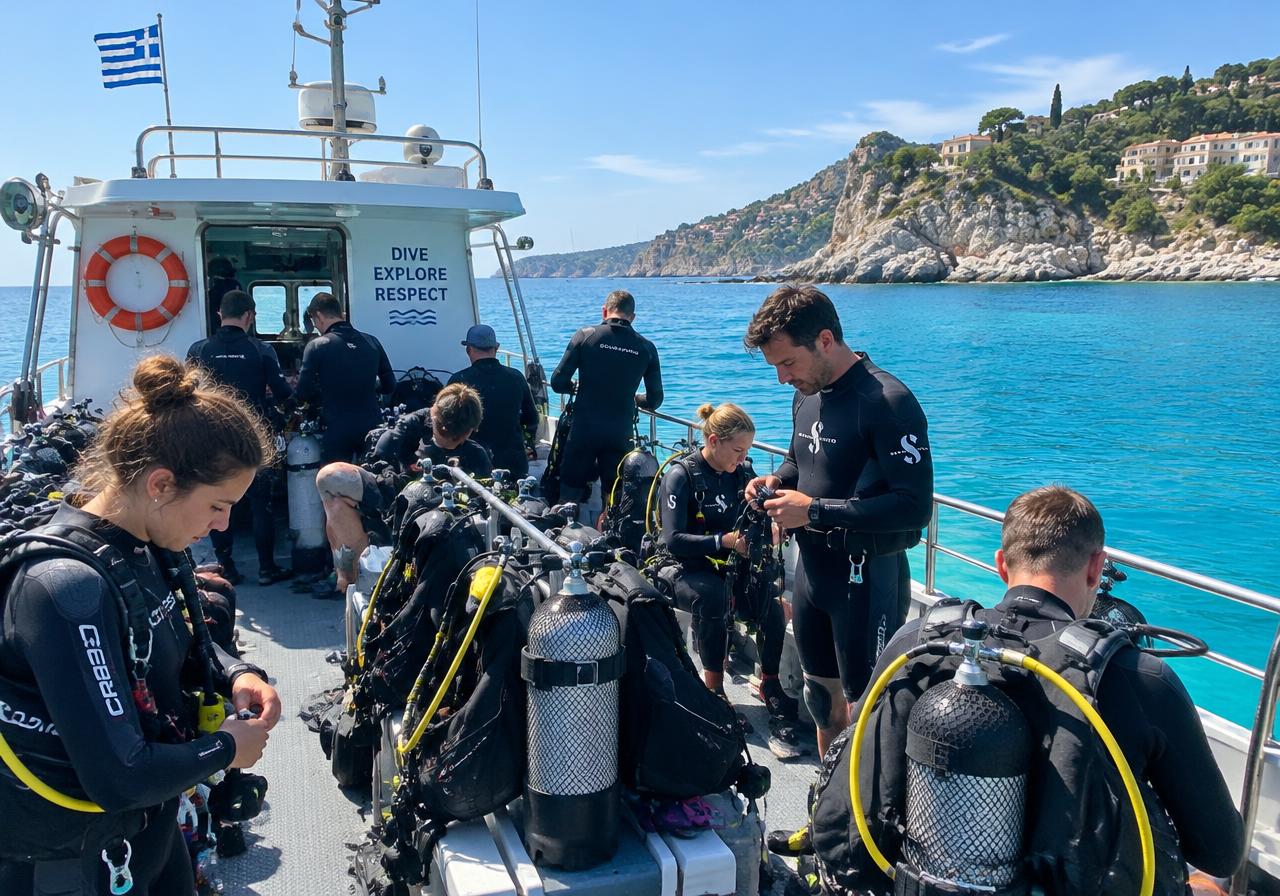 AI-generated image
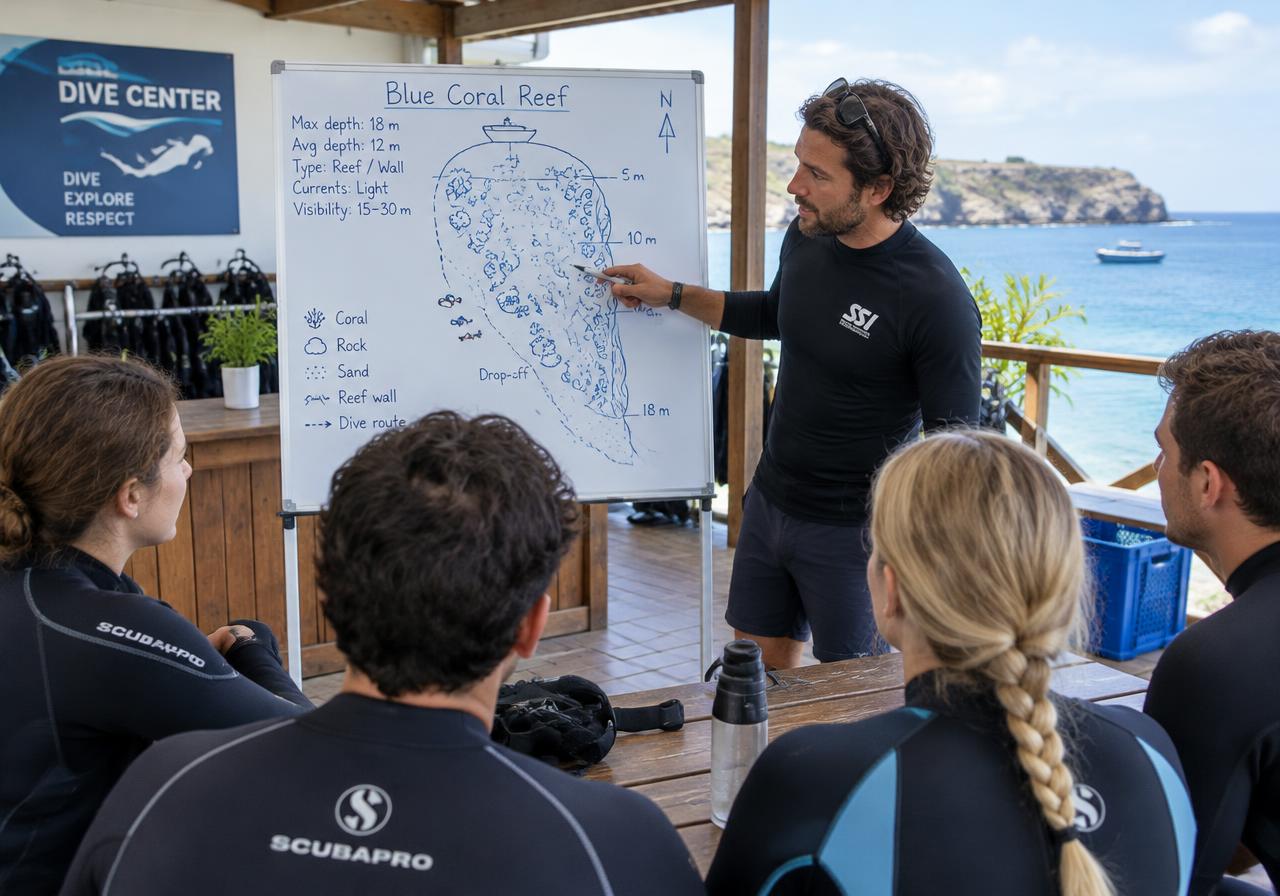 AI-generated image
Coffee in hand, entire day dialed in
Open the app and see your whole day at a glance: sessions, pending bookings, fresh inquiries. One tap highlights your top priority action item. Every hub — training, divers, retail, crew, finances, marketing — has its own snapshot showing today, tomorrow, and open tasks.
What you can do
- ✓Daily briefing highlighting your top priority action
- ✓Dedicated dashboards for every part of your operation
- ✓'Today', 'Tomorrow', and open to-dos at a glance
- ✓Instructor view showing personal assignments for the day
- ✓Setup wizard with an onboarding checklist to get you rolling
- ✓Toggle modules on or off to fit how you run your center
- ✓Demo mode: test drive everything before going live
Your crew — everyone sees exactly what they need
New Divemaster starting Monday? Bring them on board, grant just the permissions they need, and schedule their shifts. Running multiple dive centers? Manage each location independently with its own operating hours.
What you can do
- ✓Invite, link, and manage crew members
- ✓Staff profiles for every team member
- ✓Custom permissions per operational area
- ✓Roster staff and schedule shifts
- ✓Manage multiple dive bases separately
- ✓Bring freelance instructors and divemasters onto your crew
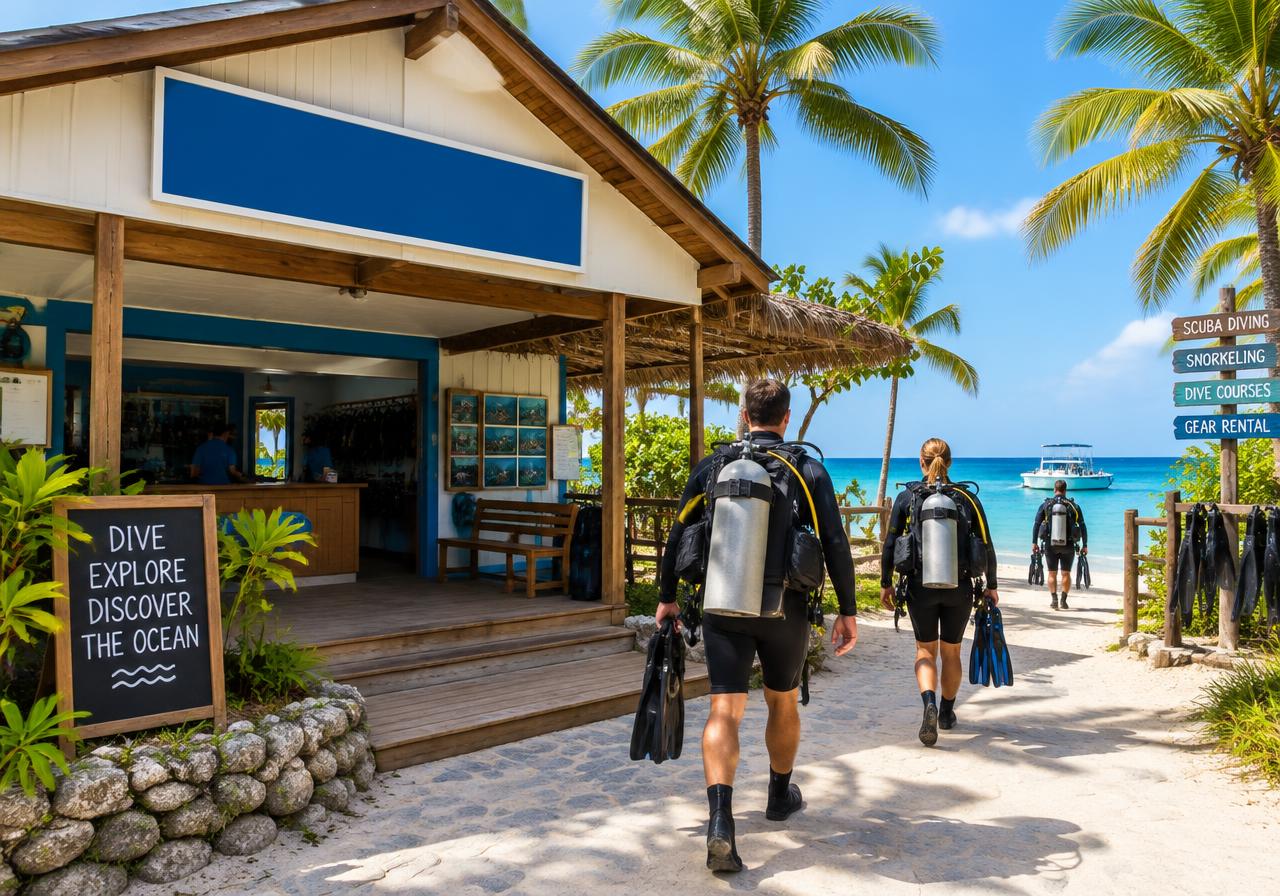 AI-generated image
Every regulator has a story — and you know it by heart
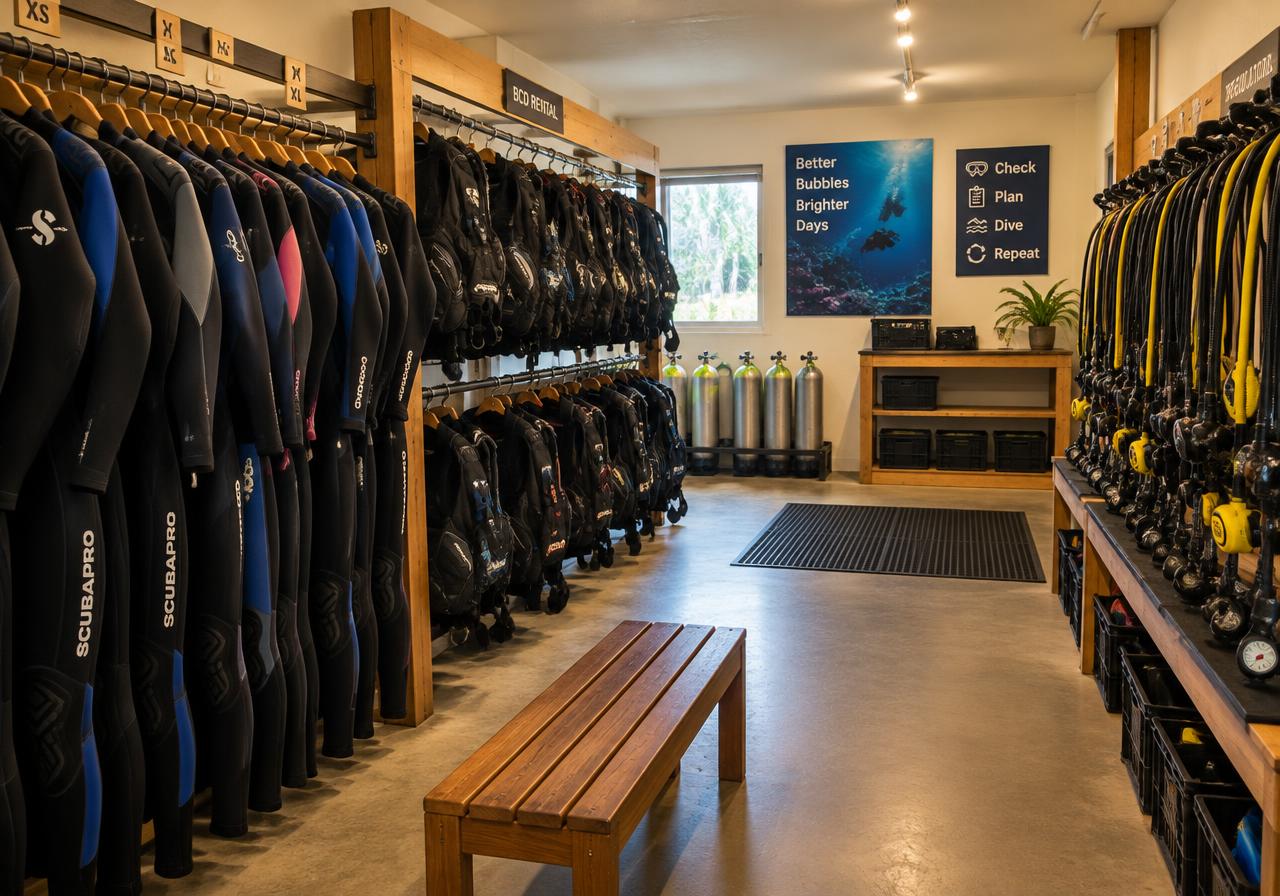
Add new kit from a 14-category catalog, log serial numbers, and tag sizes. When renting out gear, check available kit in real time; flagged items route straight to the service bench. Classrooms, dive boats, and retail stock live in the very same hub.
What you can do
- ✓Gear catalog across 14 categories with instant search
- ✓Custom products, serial numbers, and sizes
- ✓Rental tracking and reservations with live availability
- ✓Maintenance log for flagged or out-of-service gear
- ✓Classrooms, dive boats, and shared center assets
- ✓Inventory levels always up to date
- ✓Vendors and purchase orders
 AI-generated image
Two Nitrox tanks, please — done and dusted
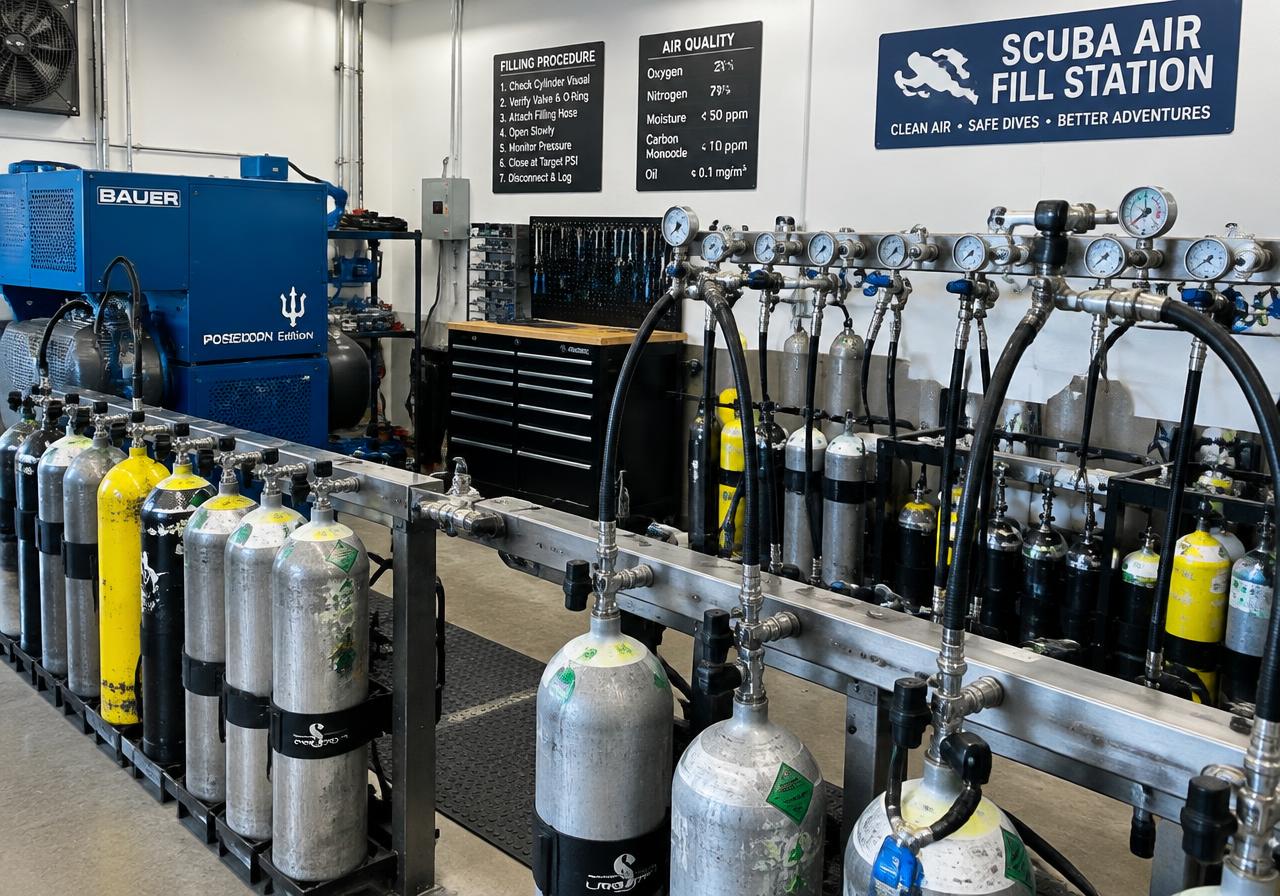
Diver drops off their cylinders. Fire up a fill order, pick your blend preset, pump, log the O2 analysis, sign off, and spit out the sticker. When they drop by next week, repeat the order in a single tap.
What you can do
- ✓Step-by-step fill log wizard
- ✓Gas blend presets ready to go
- ✓Log gas analysis and sign off
- ✓Sign-offs restricted by staff role — safe and logged
- ✓Print tank stickers right from the station
- ✓Repeat frequent fill orders with one tap
- ✓Bill fills straight through your financial hub
 AI-generated image
 AI-generated image
Dive boat tied up at the dock? Rent it out.
Use Hub to list downtime resources for other dive centers — set time slots, standard rates, or special B2B partner prices. Put your pool, dive boat, or compressor to work earning revenue when you're not using it.
What you can do
- ✓List assets with dedicated time slots
- ✓Set retail and partner B2B rates
- ✓Share dive boats, classrooms, pool lanes, or rental kit
- ✓Partner up with fellow dive centers
- ✓Runs seamlessly inside your rental management system
Safaris, liveaboards, dive resorts — your in-house travel desk
Your travel dashboard brings offers, dates, available places, booking files, documents and payment status together. Plan your trips while keeping your divers’ arrangements in view. Approved offers can appear in DiveBuddy PRO’s Explorer; booking and payment depend on the individual offer. Flight and accommodation connections are being developed; direct booking through them is not yet confirmed.
What you can do
- ✓Trip dashboard tracking capacity, bookings, guest counts, and revenue
- ✓Dive trips, club charters, liveaboards, resorts, and safaris
- ✓Create, tweak, publish, and archive trips
- ✓Manage departure dates and guest quotas
- ✓Guest booking files with travel docs, payments, and chat
- ✓Flight connections in development
- ✓Travel offers in Explorer
 AI-generated image
Ready to streamline your dive day?
Sign up for free and try out courses, training files, and the operations cockpit in demo mode.